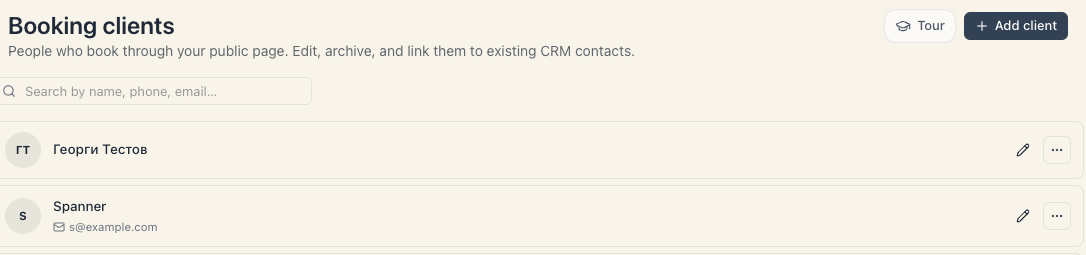
Link a booking client to a CRM contact — one history of the person across both.
1 min readUpdated 2026-06-29
If you run deals alongside bookings, the same person can exist in two places — as a booking client and as a CRM contact. Linking brings them together as one.
How to link
From the (⋯) menu on the client’s row, choose link to a CRM contact. After that, the person’s bookings and their sales/CRM history line up as one.
Why it helps
You see the full picture in one place — when they come in for a service and what’s happening on their deals, without switching between two lists. It’s especially useful if you also run deals alongside bookings.
How many times a client has visited, their history, favourite day and time, notes and loyalty — in one place.
9 min read
Cookies
We use strictly necessary cookies to run the site. Only with your consent do we also enable analytics cookies and session recording to understand how the site is used and improve it. Cookie Policy
Strictly necessary Required for core features — language, session and security. Cannot be turned off.
Always on
Analytics Google Analytics — anonymous visit statistics that help us improve the site.
Session recording PostHog (EU-hosted) — anonymised session recording and heatmaps to see how you use the site. Input fields and text are masked.